

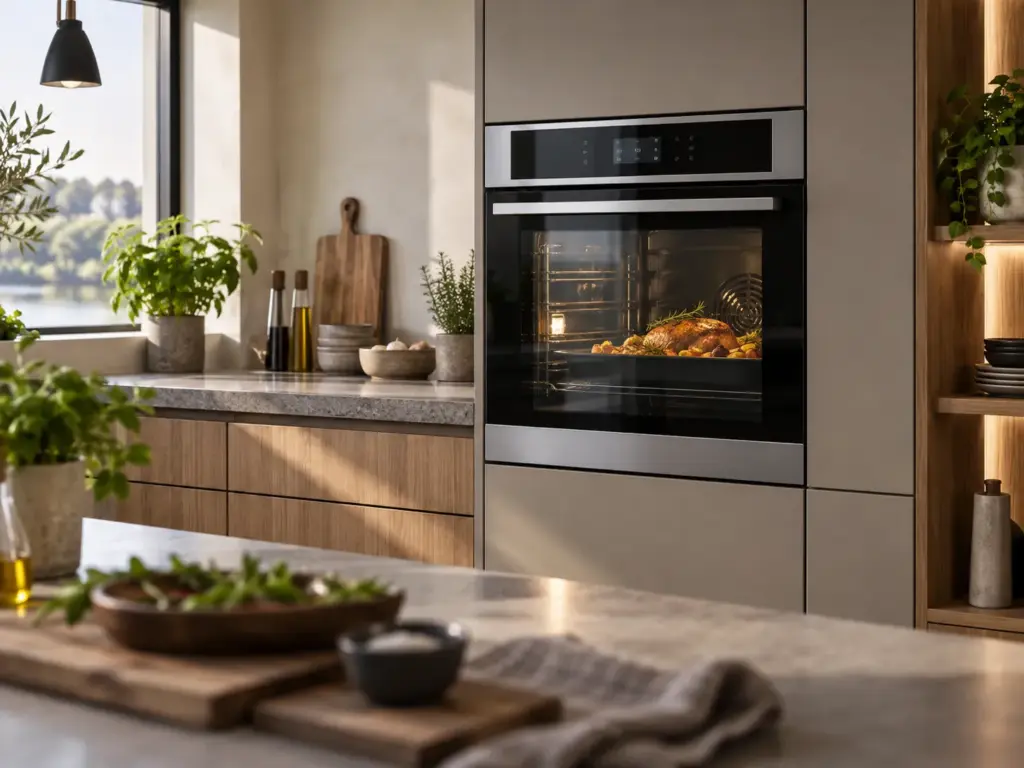
Electrolux Wall Ovens

Electrolux E30EW75GPS

Model # E30EW75GPS

The E30EW75GPS is an Icon Professional Series single wall oven. Electrolux’s built-in wall oven service manual describes an Icon control that shows only F1, F2, F3 or F9, with the full code read after a power reset while PF shows, by touching BAKE and BROIL for three seconds and then KITCHEN TIMER.

Where an E30EW75GPS uses that control, the procedure separates an F11 keypad problem from an F10 overheat before anything is opened.

Key Features

  • Icon 30-inch Professional Series single electric wall oven
  • Revisions E30EW75GPS1 to E30EW75GPS4

Most Common Issues on This Model

01

F1 control group codes

02

Door latch F9

03

Cooling fan noise

Error Codes Common to This Model

Own This Model? Book a Diagnosis.

Have the model number to hand when you book, so the technician arrives knowing which parts this model uses and where it usually fails.

Book Your Repair Today

Same-day & next-day appointments · No hidden fees · Technicians trained on these appliances

1Service Details
2Date & Time
3Contact Info

or call (844) 483-2989 now

FAQ

Electrolux E30EW75GPS FAQ

On the Icon control in Electrolux’s built-in wall oven manual, F1 groups F10 (possible runaway), F11 (shorted keypad) and F13 (checksum).

After reapplying power, while PF shows, touch BAKE and BROIL for three seconds, then KITCHEN TIMER.

Need a repair? We're ready to help. Call Now
Call Us Schedule